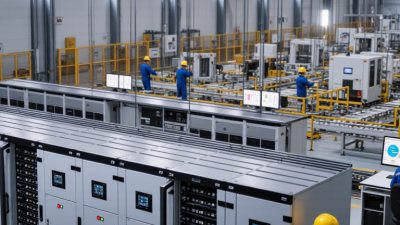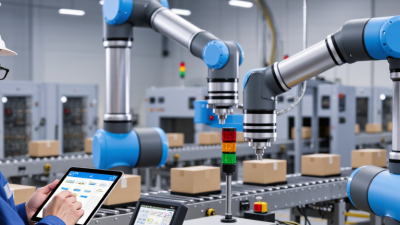
Automation systems connect sensors, software, controllers, and machines to carry out tasks with limited human intervention. A sensor might detect a bottle beneath a filling nozzle. A controller then signals a valve, checks the result, and adjusts the process if needed. The same basic loop appears in warehouses, building controls, and factory production lines. Some systems follow fixed instructions; others respond to changing measurements. In both cases, reliable operation depends on clear signals, suitable equipment, and careful setup.
The idea sounds simple. Real installations are not always. A dusty sensor, outdated setting, or unexpected product variation can interrupt a smooth process. As technology writer and Microsoft co-founder Bill Gates wrote in Business @ the Speed of Thought, “The first rule of any technology used in a business is that automation applied to an efficient operation will magnify the efficiency. The second is that automation applied to an inefficient operation will magnify the inefficiency.” That caution matters. Automation can reduce repetitive work and improve consistency, but it does not automatically fix a poorly designed process. This article explains what automation systems are, how their components work together, and where human monitoring still matters. It also considers common system types, practical benefits, and limits. The details vary by industry. The core question remains: what is being measured, what action follows, and how does the system respond when conditions change?
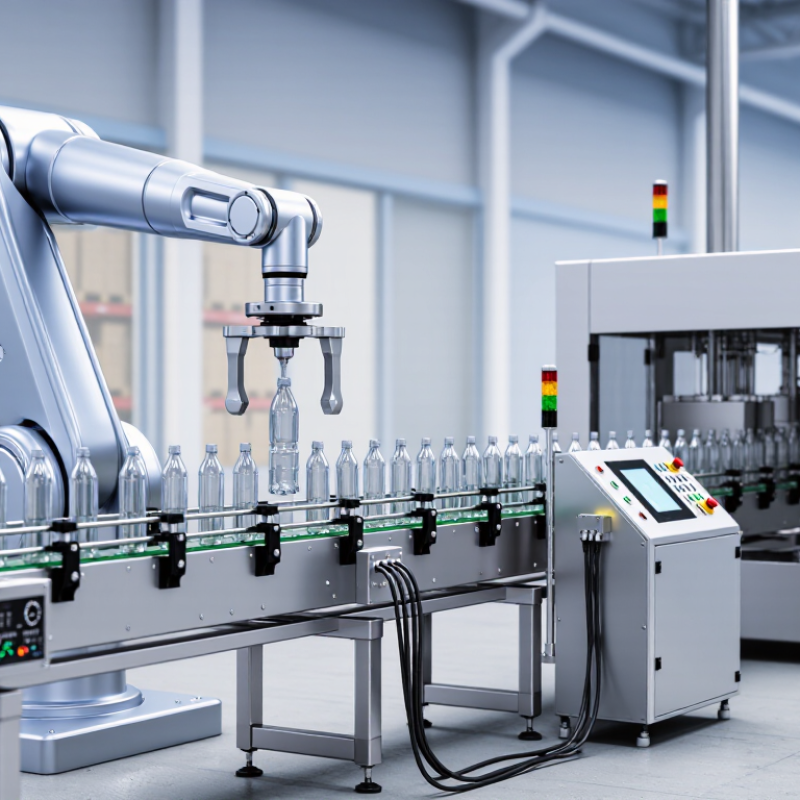
Automation systems are arrangements of sensors, control logic, and mechanical or digital components that carry out defined tasks. They are designed to repeat work consistently, respond to changing conditions, and reduce the need for constant hands-on control. Not magic.
In a packaging area, a sensor might detect a carton moving along a belt. A controller checks its position, then signals a motor or diverter to move it. The system can also stop the belt if a guard opens or an item blocks the path. In a greenhouse, sensors may track temperature and soil moisture, while controls switch fans or irrigation on when readings pass set limits. These examples show the basic cycle: measure, decide, act, and check again.
Automation is most useful when a task has clear rules and reliable inputs. Designers define what the system should do, what conditions it must avoid, and when a person needs to intervene. Operators still inspect equipment, verify sensor readings, and respond to unusual events. A poorly placed sensor can trigger needless stops; a sensible control rule can still miss a rare condition. That gap matters. Automation supports human work, but its performance depends on maintenance, setup, and the quality of its assumptions.
| System Type | What It Is Designed to Do | How It Works | Common Components | Typical Applications |
|---|---|---|---|---|
| Fixed (Hard) Automation | Perform a high-volume sequence of repetitive tasks with little variation. | Dedicated equipment follows a predefined sequence. Changing the product or process may require substantial equipment or tooling changes. | Special-purpose machinery, fixtures, motors, sensors, and fixed control logic. | Transfer lines, high-volume packaging, and repetitive assembly operations. |
| Programmable Automation | Produce batches of different products by changing the machine’s instructions or setup. | Control instructions are programmed for a batch; equipment can be reconfigured between production runs. | Programmable controllers, machine tools, material-handling equipment, and operator interfaces. | Batch manufacturing, machining, and production of product variants. |
| Flexible Automation | Switch among product types or tasks with limited changeover time. | Computer-based controls coordinate adaptable equipment and can select different operations or programs as needed. | Computer controls, programmable machines, sensors, and automated handling systems. | Mixed-model manufacturing and production where product variety is frequent. |
| Industrial Process Control | Keep a continuous or batch process within specified operating conditions. | Sensors measure process variables; a controller compares readings with target values and adjusts equipment through actuators. | Sensors, controllers, valves, pumps, drives, and monitoring interfaces. | Water treatment, heating and cooling, chemical processing, and power generation. |
| Building Automation | Monitor and coordinate building services for comfort, safety, and efficient operation. | Controllers use sensor readings, schedules, and setpoints to manage systems such as ventilation, lighting, and access. | Temperature and occupancy sensors, controllers, actuators, and operator dashboards. | Heating, ventilation and air conditioning (HVAC), lighting control, and energy monitoring. |
| Software Process Automation | Carry out rule-based digital tasks with minimal manual repetition. | Software follows defined rules to transfer information, trigger actions, or process routine transactions across digital systems. | Workflow rules, software interfaces, data sources, and monitoring or exception-handling tools. | Data entry, document routing, scheduled reporting, and routine record updates. |
| Robotic Automation | Move, position, inspect, or manipulate objects according to programmed instructions. | A controller directs a robot’s movements; sensors or vision systems may provide feedback about position or task conditions. | Robot arm or mobile platform, controller, end effector, sensors, and safety equipment. | Pick-and-place, machine tending, material handling, and inspection tasks. |